

Top Common iPhone Screen Issues and Their Solutions

iPhones are known for their sleek design and reliable performance. However, the screen is one of the most vulnerable parts. Over time, or due to accidents, you might face several screen issues that affect your phone’s usability. I have dealt with many common iPhone screen problems and found practical solutions that can help you fix or manage these issues effectively.
Common iPhone Screen Issues You Should Know
Understanding the most frequent screen problems helps you act quickly and avoid further damage. Here are some of the top issues I have encountered:
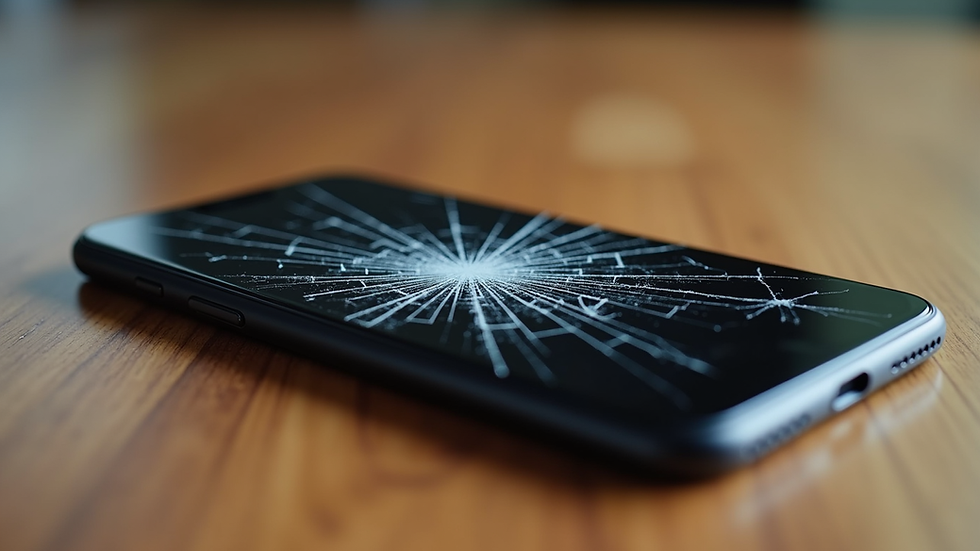
Cracked or shattered screen: This happens when the phone is dropped or hit by a hard object.
Unresponsive touch screen: The screen does not respond to taps or swipes.
Screen flickering or flashing: The display blinks or shows inconsistent brightness.
Dead pixels or discoloration: Small spots on the screen that don’t display correctly.
Screen freezing or lagging: The display freezes or reacts slowly to input.
Each of these problems can disrupt your daily use. Let’s explore how to identify and fix them.
How to Fix Cracked or Shattered Screens
A cracked screen is the most obvious and common issue. It not only looks bad but can also cause injury or worsen over time.
Assess the damage: If the cracks are minor, you might use a screen protector to prevent further damage.
Backup your data: Before any repair, save your important files.
Replace the screen: For severe cracks, screen replacement is necessary. You can either do it yourself if you have the tools and skills or seek professional help.
Use professional repair services: If you want a quick and reliable fix, consider contacting a trusted service. For example, iphone repair tempe scottsdale offers mobile repair services that come to your location.

Troubleshooting Unresponsive Touch Screens
When your iPhone screen does not respond to touch, it can be frustrating. Here’s what to do:
Restart your iPhone: Sometimes, a simple reboot fixes temporary glitches.
Clean the screen: Dirt, oil, or moisture can interfere with touch sensitivity. Use a soft, lint-free cloth.
Remove screen protectors or cases: These might cause interference.
Update iOS: Software bugs can cause touch issues. Check for updates in Settings.
Reset settings: Go to Settings > General > Reset > Reset All Settings. This won’t delete your data but resets preferences.
Seek professional help if the problem persists, as it might be a hardware issue.
Fixing Screen Flickering and Flashing
Screen flickering can be distracting and may indicate hardware or software problems.
Check for app issues: Close all apps and see if flickering stops.
Adjust brightness: Sometimes, auto-brightness causes flickering. Turn it off in Settings > Accessibility > Display & Text Size.
Update iOS: Ensure your phone runs the latest software.
Force restart: Press and quickly release the volume up button, then volume down, then hold the side button until the Apple logo appears.
Contact repair services if flickering continues, as it might be a display or connector problem.

Dealing with Dead Pixels and Discoloration
Dead pixels appear as tiny black or white dots that do not change color. Discoloration can show as patches or lines on the screen.
Try pixel-fixing apps: Some apps flash colors rapidly to revive stuck pixels.
Gently massage the screen: Use a soft cloth to rub the affected area carefully.
Check warranty: If your iPhone is under warranty, Apple may replace the screen.
Replace the screen if the problem worsens or spreads.
How to Handle Screen Freezing and Lagging
A frozen or lagging screen slows down your work and can be caused by software or hardware issues.
Force restart your iPhone to clear temporary glitches.
Close background apps to free up memory.
Update iOS and apps to fix bugs.
Reset all settings if problems persist.
Restore your iPhone as a last resort, but back up your data first.
Visit a repair center if freezing continues, as it might indicate a hardware fault.
When to Seek Professional Screen Repair
Some screen issues require expert attention. If you notice:
Extensive cracks or shattered glass
Persistent flickering or unresponsive touch after troubleshooting
Dead pixels spreading or discoloration worsening
Screen freezing despite software fixes
It’s best to get professional help. Services like iphone repair tempe scottsdale provide fast, reliable repairs. They offer mobile service, so you don’t have to leave your home or office.
Tips to Prevent iPhone Screen Issues
Prevention is better than cure. Here are some tips to keep your iPhone screen safe:
Use a high-quality screen protector.
Invest in a sturdy phone case.
Avoid exposing your phone to extreme temperatures.
Keep your screen clean and dry.
Handle your phone carefully to avoid drops.
Taking these steps can extend your screen’s life and reduce repair costs.
By understanding these common iPhone screen issues and their solutions, you can maintain your device’s performance and appearance. Whether you fix minor problems yourself or rely on professional services, quick action helps avoid bigger headaches. For reliable and convenient repairs, consider trusted local options like iphone repair tempe scottsdale to get your iPhone back in perfect shape.


Comments